





In this post Show
Editorial Disclosure
I just used Apple’s new Digital ID for the first time, and it worked even better than I expected.
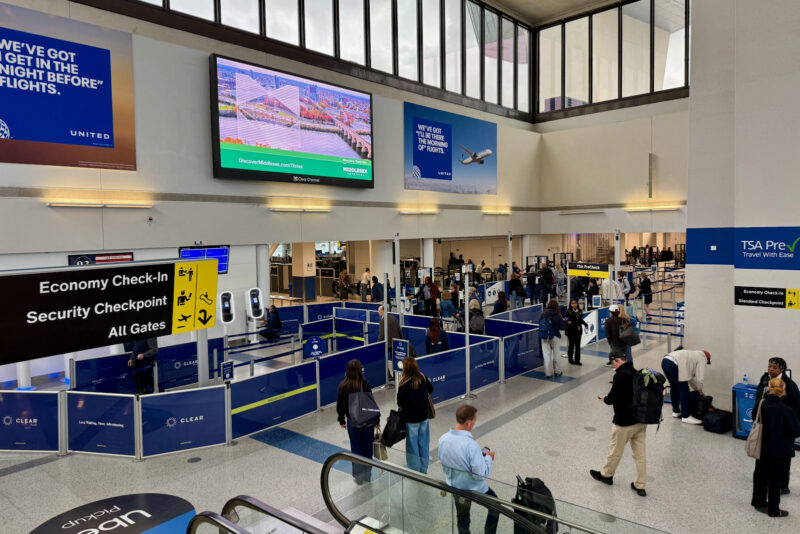
I recently flew from Las Vegas to Newark and cleared TSA security in Vegas using nothing but my iPhone and my face. No physical passport or driver’s license required.
Apple officially rolled out Digital ID last month, which allows U.S. passport holders to store their passport info in Apple Wallet and use it at TSA checkpoints at more than 250 airports nationwide.
After it was announced, I knew I needed to try it. After all, I’m obsessed with tech and travel.
Here’s what it was like to use it for the first time.
Related: 7 tech devices I always travel with, and one you seriously need to pack
Adding my passport to Apple Wallet
Before I got to the airport, I made sure to create my Digital ID at home. (Note that Android phones also support Digital ID, but the setup process differs.)
To do that, be sure your iPhone is running iOS 26.1 or later. Then, follow these instructions.
- Open the Wallet app
- Tap the “+” button
- Select “Driver’s License and ID Cards”
- Follow the prompts to scan your passport
- Complete the verification process
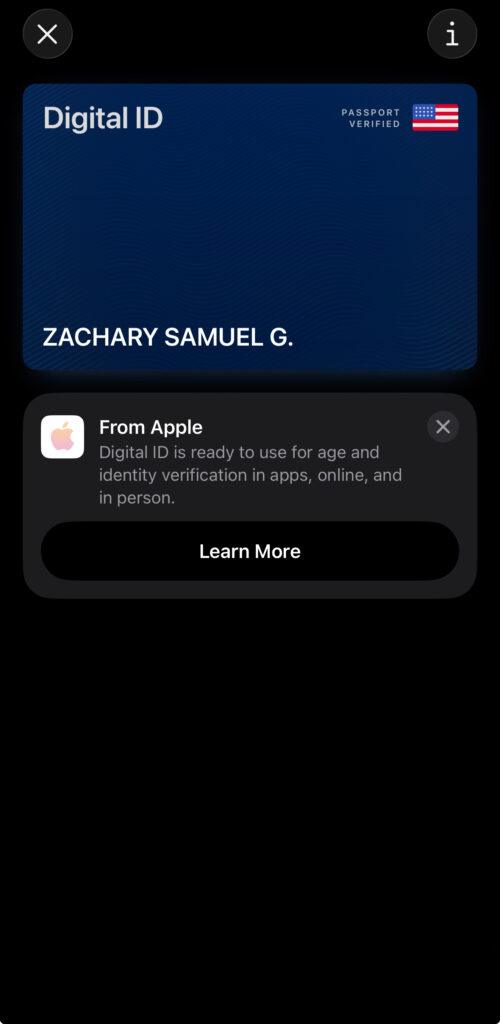
It took a few minutes for my Digital ID to be verified, and I received a notification once the process was finished.
I then found my Digital ID was stored in my Apple Wallet, alongside all the credit cards, boarding passes, and theater tickets. Apple says the data is encrypted and stored only on your device, and the company can’t see when or where you use it.
Using Digital ID at TSA
When I arrived at LAS, I noticed some signage mentioning Digital ID, so I figured this was the perfect place to try it.
I went to a TSA checkpoint and asked the agent if I could use Digital ID. He shrugged his shoulders, but I found the tap logo at the front of the Idemia machine, so I figured I’d give it a try.
I held my iPhone near that logo, and it automatically suggested thatI tap my ID. I double-clicked the side button, authenticated with Face ID, and then took a quick picture at the kiosk.

Subscribe to the newsletter
Get the front-row look at the evolving world of travel, loyalty, tech and lifestyle — delivered directly to your inbox.
That was it.
I never handed over a physical ID, and my passport (and driver’s license) stayed in my bag the entire time. The interaction took just a few seconds and felt smoother than my usual wallet shuffle at security.
What this does — and doesn’t — replace
Digital ID isn’t a passport replacement. (At least not yet.) You still need your physical passport for international travel and immigration.
For now, the primary use case of Digital ID is for TSA identity verification. Because it’s based on your passport, it also satisfies Real ID requirements for domestic flights, saving you the new $45 fee if you don’t have one yet.
Apple has bigger ambitions, though. The company recently told me it wants to bring Digital ID functionality to rental cars, hotel check-in, bars, and more.
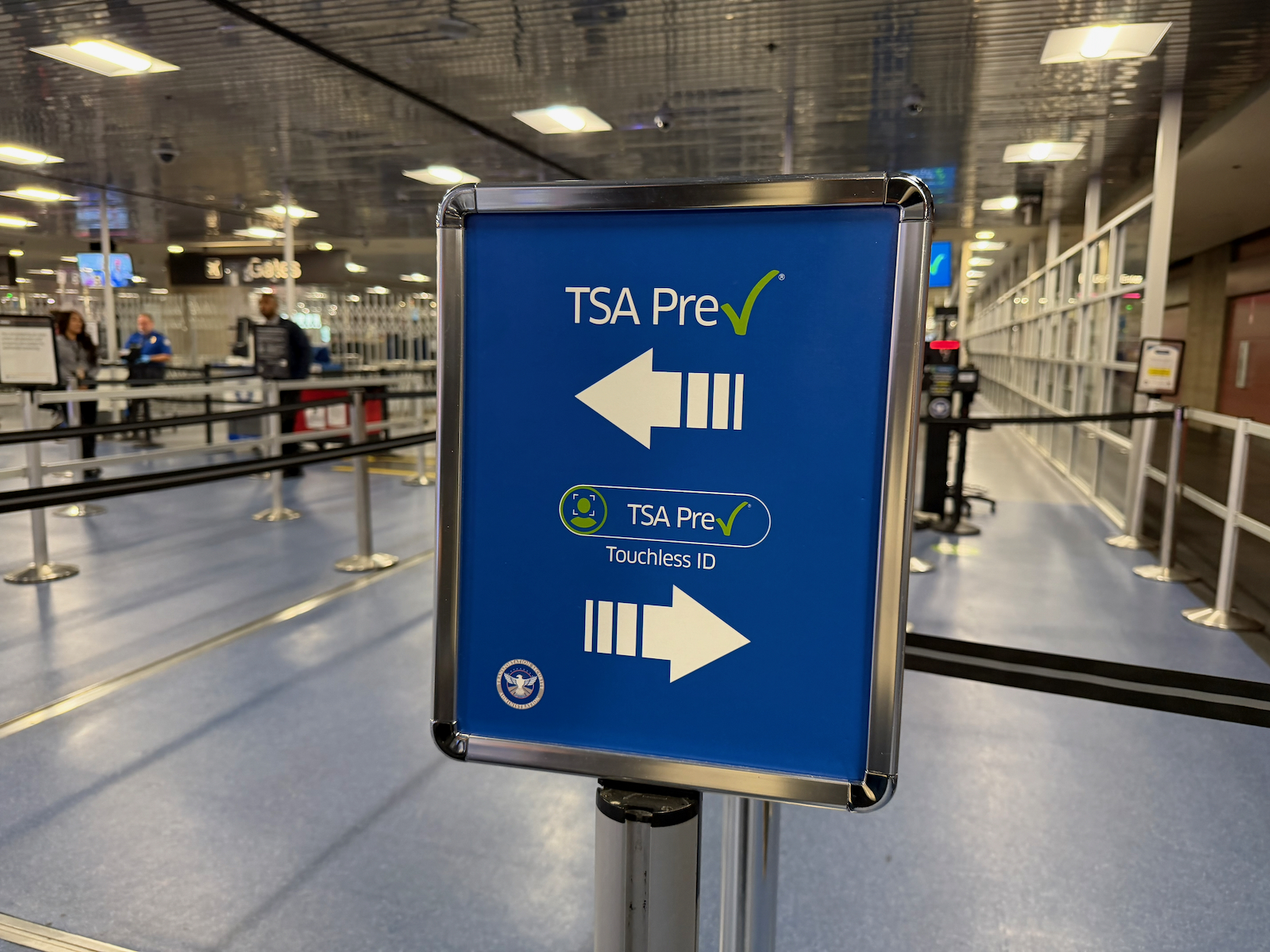
While Digital ID was a seamless identity-verification option for me, I’d still recommend using the TSA’s new Touchless ID lane if you’re eligible.
In recent months, that’s been the single fastest way to clear security. You use your face to verify your identity with no physical (or digital) ID required at all.
To learn more about how Apple’s Digital ID works, check out my explainer video.
View this post on Instagram
Subscribe to the newsletter
Get the front-row look at the evolving world of travel, loyalty, tech and lifestyle — delivered directly to your inbox.





Comments Disclosure
Responses are not provided by or commissioned by any bank advertisers. Responses have not been reviewed , approved, or endorsed by any bank advertisers. It is not the responsibility of the bank advertiser to respond to comments.