





In this post Show
Editorial Disclosure
Roaming abroad has never been cheaper — so long as you’re willing to skip your carrier’s daily pass.
AT&T’s International Day Pass and Verizon’s TravelPass both cost $12 per line per day, which can seriously add up pretty quickly.
But there’s a much better option instead: buying a local eSIM.
An eSIM (embedded SIM) is a digital SIM that connects you to a mobile network without a physical card. Every major smartphone released in the last few years supports them, and setting one up takes about five minutes.
In this guide, I’ll walk through the exact setup I use to get cheap data abroad while keeping my U.S. number active in the background. That means I can still receive iMessages and calls on my regular line — without triggering the $12 pass.
(Yes, I could switch to T-Mobile and get international data included in most plans. But readers keep telling me T-Mobile’s domestic coverage is still spotty, so I’ve stayed put. Let me know if you’ve had a different experience.)
Why the carrier passes are a bad deal
AT&T and Verizon both charge $12 per line per day for basic international connectivity in most countries.
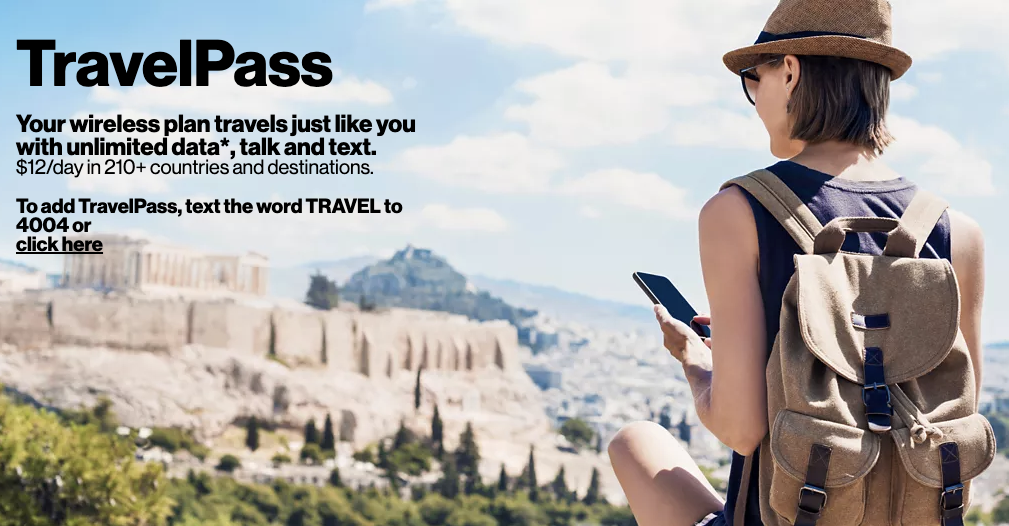
A family of four on a weeklong trip to Europe would pay $336 just to use their phones. That’s more than most people pay for a month of service at home.
Using an eSIM for cheap roaming
Instead of roaming on your U.S. carrier, you can download an eSIM for your destination and connect to the local network directly.
You could technically buy an eSIM from a carrier once you land, but the fastest option is to download an app before you leave and purchase a package from a reputable global provider.
I’ve tested most of the big ones. Here’s my quick take:
- Airalo: The most polished app, with the broadest coverage. My default.
- Saily: Reputable, and from the same company behind NordVPN. Sometimes cheaper than Airalo, but the app isn’t as intuitive.
- Holafly: Sells unlimited plans, but I’ve found the throttling kicks in quickly.
- Google Fi: Not a travel eSIM in the traditional sense, but it includes international usage in most plans and lets you pause and resume coverage. I use it for my backup line. (If you’re looking to sign up for Fi, my referral code is 2R41PC.)
Before you download an eSIM, walk through the setup below. A few settings need to be right, or you’ll accidentally trigger your U.S. carrier’s daily fee.
What is Dual SIM?
Every new iPhone supports Dual SIM, meaning you can run two lines at once.
Most flagship Android phones from Samsung, Google, and OnePlus also support Dual SIM. I don’t use Android, so the instructions below apply to iOS, though the concept translates.

Subscribe to the newsletter
Get the front-row look at the evolving world of travel, loyalty, tech and lifestyle — delivered directly to your inbox.
How to keep your U.S. line active without triggering the $12 pass
The trick is to keep your U.S. line running in the background as your voice and text line, and set the international eSIM as your primary data line.
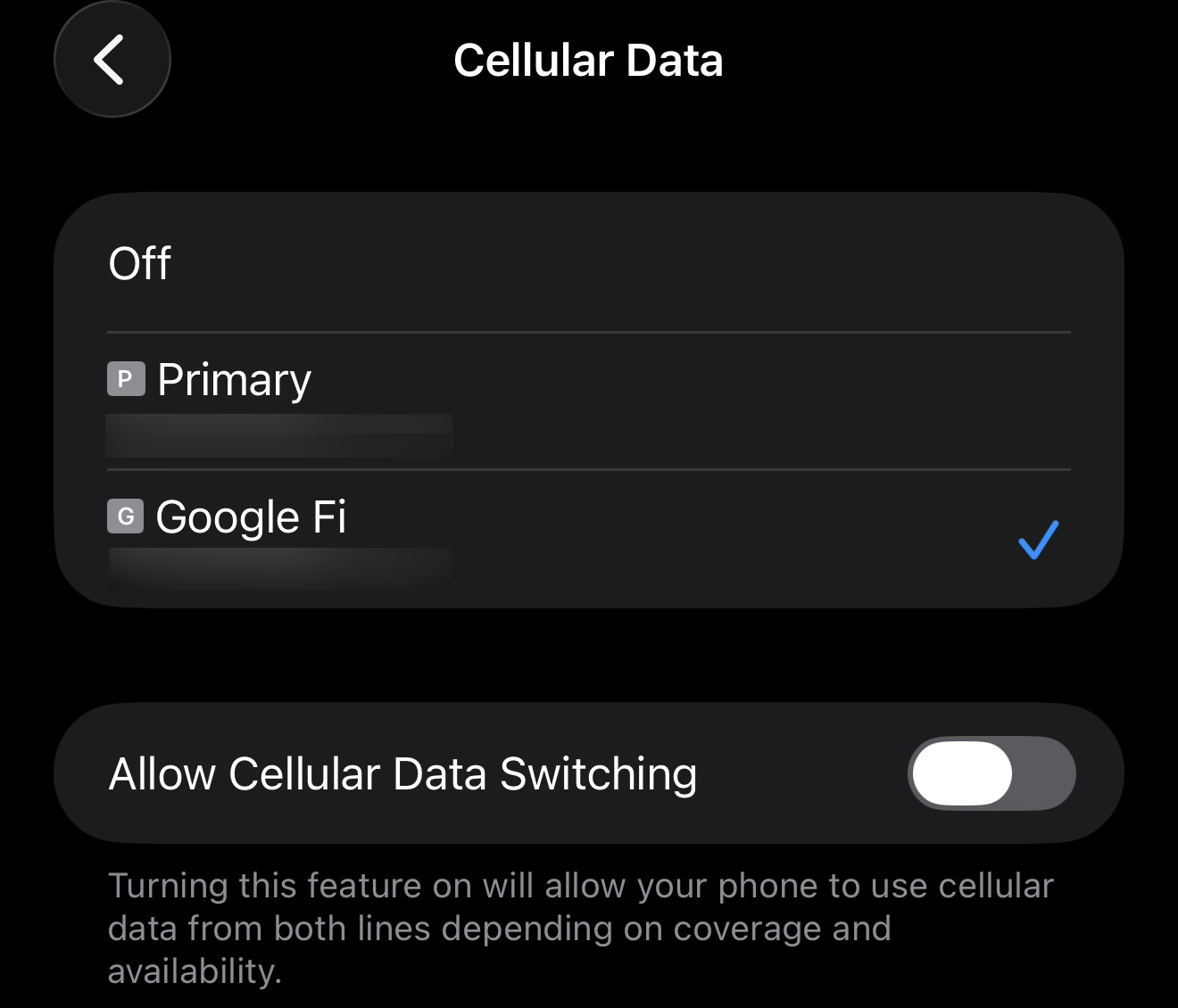
You’ll still get iMessages and calls on your U.S. number for free, and all your data will route through the cheaper local network.
Here’s the setup:
- Install an international eSIM before you leave home. Airalo, Saily, and the rest all walk you through it. It takes about five minutes.
- Before you land, open Settings → Cellular. You’ll see two lines listed: your U.S. carrier and your new international eSIM.
- Tap “Cellular Data” and set the international eSIM as your primary data line.
- Turn off “Allow Cellular Data Switching.” If it’s on, your iPhone will switch to your U.S. carrier whenever it thinks the signal is stronger — and the moment it does, you’ve triggered the $12 pass.
- Find your U.S. line and turn off “Data Roaming.”
Once that’s done, all your data will route through the international eSIM.
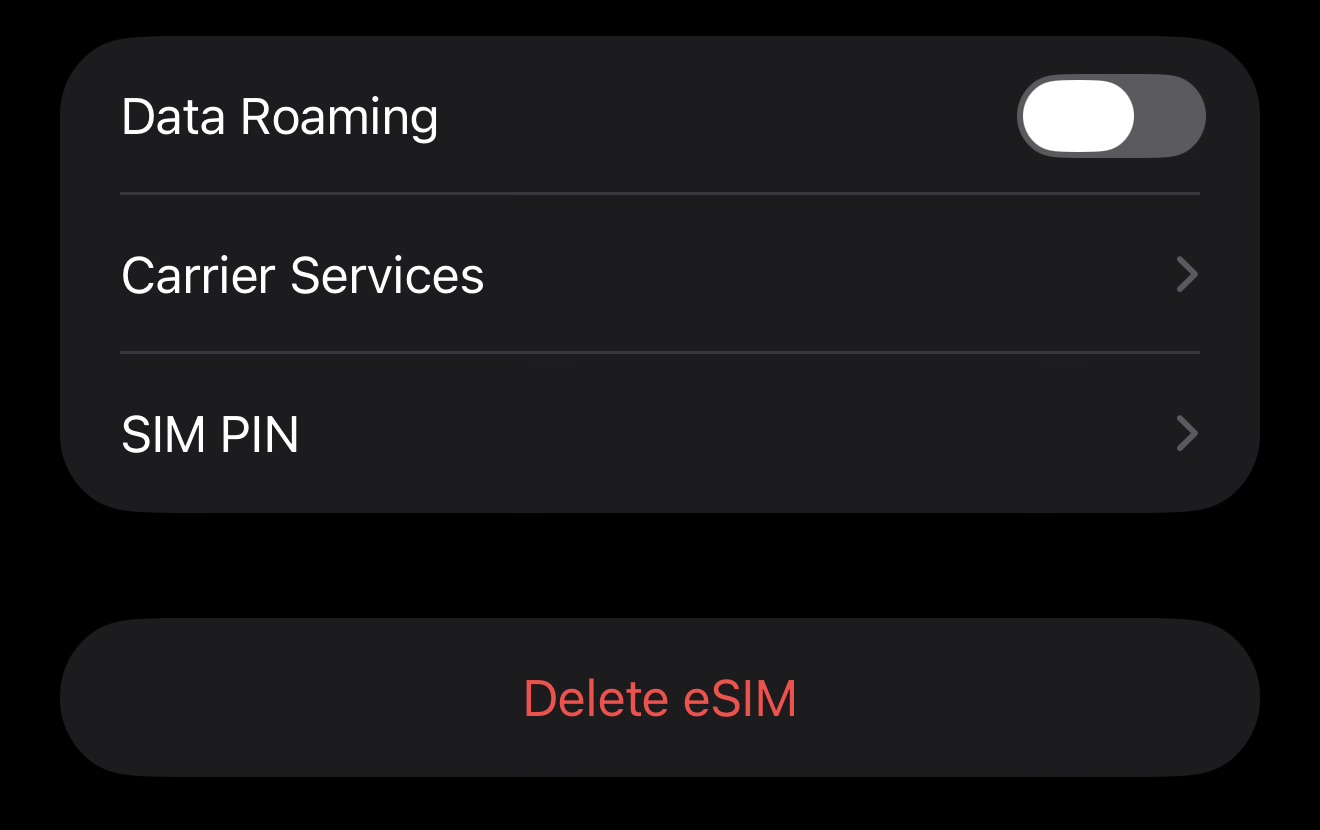
Your U.S. number stays active in the background for iMessage and calls.
What about calls and texts?
Incoming calls and texts on your U.S. line are free with Verizon and AT&T, no matter where you are. It’s answering the calls that would trigger the daily fee.
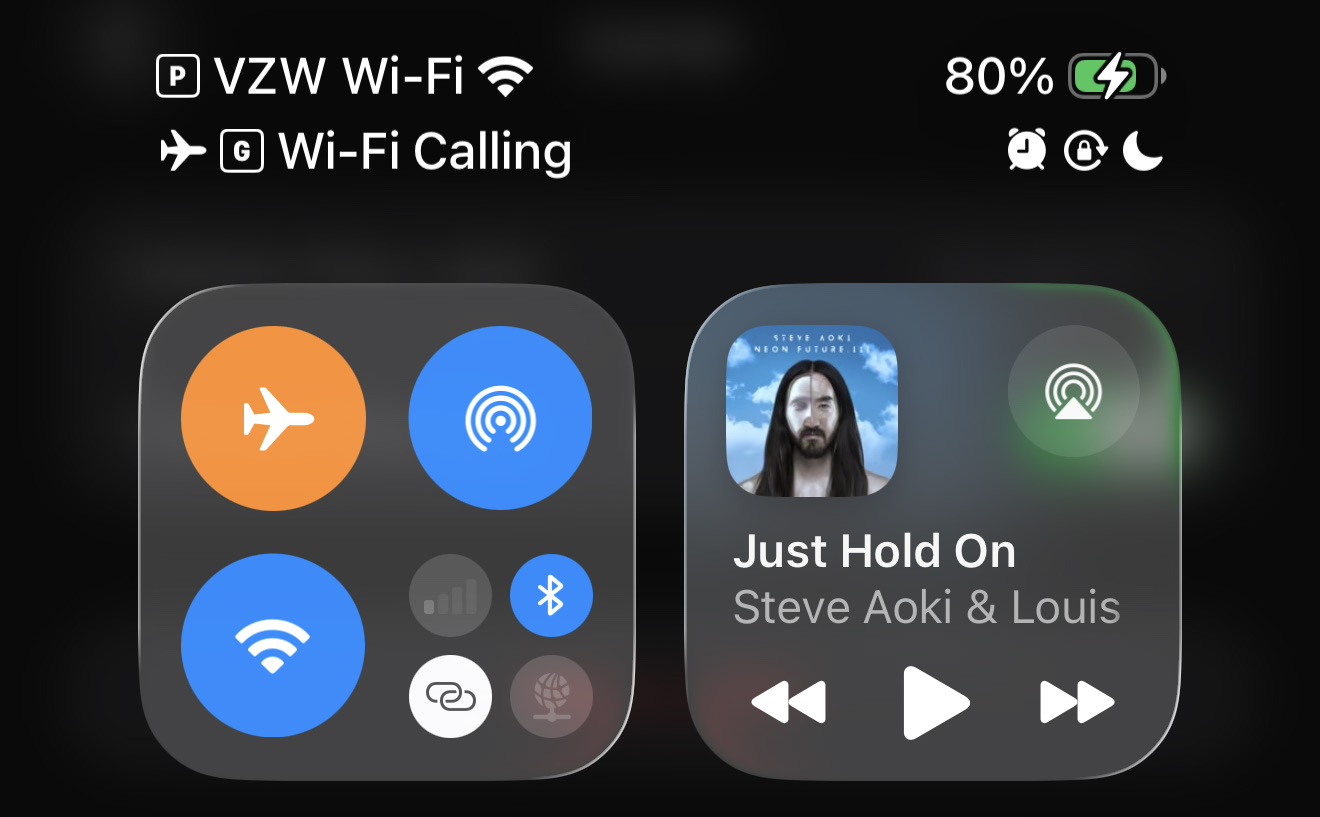
The workaround is straightforward:
- Let calls go to voicemail, then return them over Wi-Fi. You can use FaceTime Audio, WhatsApp, or your carrier’s Wi-Fi calling. When your phone is on Wi-Fi, you’ll see “VZW Wi-Fi” or “AT&T Wi-Fi” as the network name — calls made from there are billed as if you’re at home.
- Reply to texts via iMessage or WhatsApp. Both use data, so they route through your cheaper eSIM.
Frequently asked questions
Does this work on Android?
Yes, as long as your phone supports Dual SIM. Most flagship Samsung, Google, and OnePlus phones do.
Can I still use iMessage on my U.S. number?
Yes. Your U.S. line stays active in the background, so iMessage works exactly as it does at home. Just confirm iMessage is turned on for your U.S. number in Settings → Messages.
What if I need more data mid-trip?
Most eSIM providers sell top-ups directly through the app. If you burn through your plan, you can add more in a few taps.
Do I need to do anything when I get home?
Switch your primary data line back to your U.S. carrier in Settings → Cellular. I also delete the international eSIM once I’m back — it clears things up for the next trip.
Does my phone need to be unlocked?
Yes, if your phone is locked to your home carrier, it will not support roaming with a third-party eSIM.
Bottom line
For most travelers, the $12-a-day roaming passes from AT&T and Verizon are a waste of money. A local eSIM from Airalo or Saily can cost a few dollars for the same amount of coverage — and with the Dual SIM setup above, you don’t have to give up your U.S. number to save.
The one caveat: you have to get the settings right before you land, or you’ll trigger the pass anyway. Once you’ve done it once, though, it’s second nature.
Subscribe to the newsletter
Get the front-row look at the evolving world of travel, loyalty, tech and lifestyle — delivered directly to your inbox.






Hey Zach, Just a heads up, I’ve been using this method for many years of having my AT&T US line’s data roaming off while using an eSim with Orange Holiday for my data and calls in Europe and recently there were carrier background usage of 0.01kb that seemed to trigger the International Day Pass. When I checked my usage on ATT’s website, it didn’t show any text, data, or calls triggering the day pass. I only found the 0.01KB data points by downloading the excel off their website but even then, it didn’t list it as a day pass event. When I tried to get clarity, ATT couldn’t give me a clear answer as to what it was. They refunded me the charges but I had to call a couple times. I plan to keep my US line off for the next trip to avoid this and that was their recommendation.
Thanks for the intel – do you have any idea what that pixel is? I’ve had it work for me by making sure data roaming was off on the AT&T/Verizon line before leaving the U.S. and then theoretically downloading that pixel via Wi-Fi
Turning off the U.S. line for too long can screw up your iMessage number registration